À propos de Batch Image Splitter Free Edition
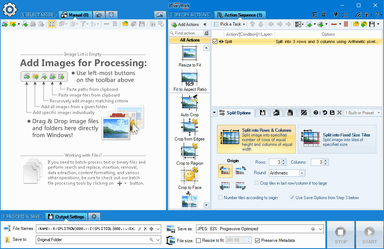
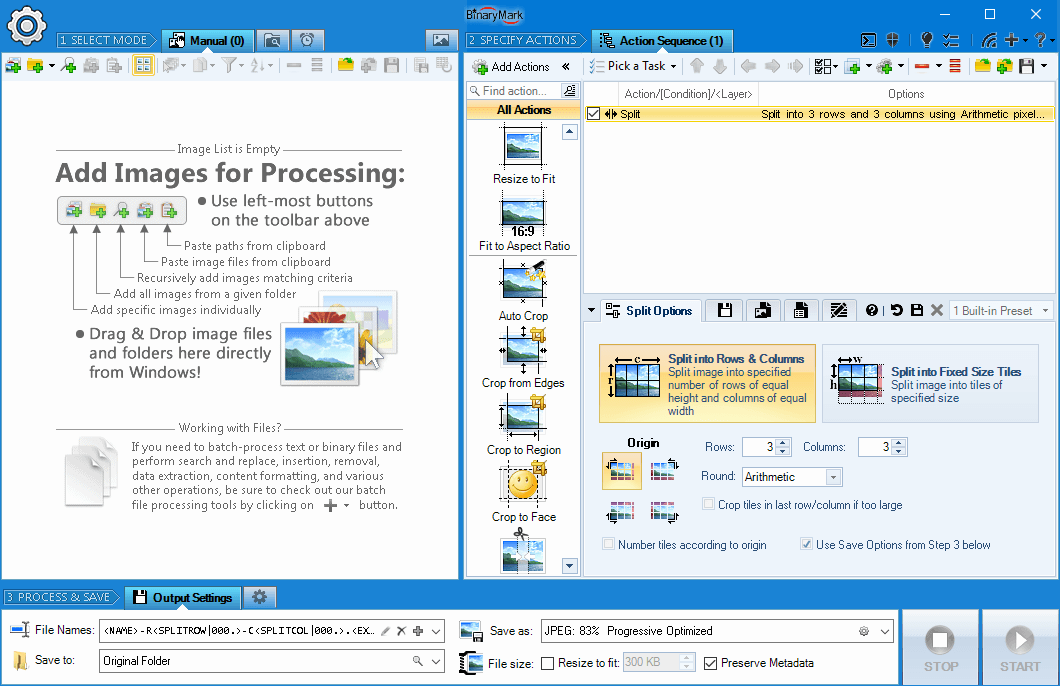
Batch Image Splitter Free Edition est une application Windows actuelle disponible dans le catalogue communautaire WinGet. Split multiple pictures into specified number of slices by rows and columns or into tiles of a desired size! - When you split images into rows and columns you need to specify the desired number of rows and columns - When splitting an image into tiles of a given fixed size, you have the option to specify that size precisely using either percentages or pixels to set tile's width and height - 130+ Actions and Effects: resize, contrast, watermark, etc... - Convert to/from and save results in any of 30+ formats: jpg, png, gif, tiff, bmp, j2k - 20 scaling modes: Lanczos, Bilinear, Bicubic, Box, HqX - Rotate and flip manually or using EXIF orientation tag - Fit to fixed size or rectangle; fit to aspect ratio - Perform lossless JPEG crops, flips, and rotations - Built-in and cloud-based face detection to perform advanced image processing on photos with detected faces - Automatic crop, crop to fixed size, crop from edges, crop to W:H ratio - Resize canvas and add padding; change print resolution - Change width and height independently or proportionately - Set dimensions using pixels, percentages %, or print units - Automatically shrink images to fit a desired file size in Kilobytes - Conditional processing based on image orientation, size, and other attributes - Add static and dynamic text and image watermarks with visual effects - Layers with 40+ blending modes and pixel filtering - Per-channel processing: extract, mix, replace, adjust values, etc... - 8 Color Models: RGB, HSB/HSV, HSL, HSI, HWB, YCbCr, Lab, LCH - Built-in image preview with interactive histograms - 4 operation modes: Manual, Background, Scheduled, and Console - Dynamically generate text watermarks with EXIF and file info - 12 compositing modes: source-over, source-in, source-out... - 40+ Blend Modes: lighten, darken, contrast, inversion... - Work with metadata: EXIF, IPTC, GPS, XMP. - Rename image files based on image or file properties and EXIF/IPTC metadata
Page source d’origineFonctions principales
Nouveautés
- Current WinGet catalog version: 5.6
Configuration requise
- Windows 10 or Windows 11
- WinGet or the publisher installer
Commentaires
Aucun commentaire pour le moment.