Sobre Batch Images Free Edition
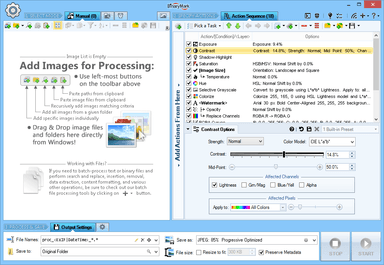
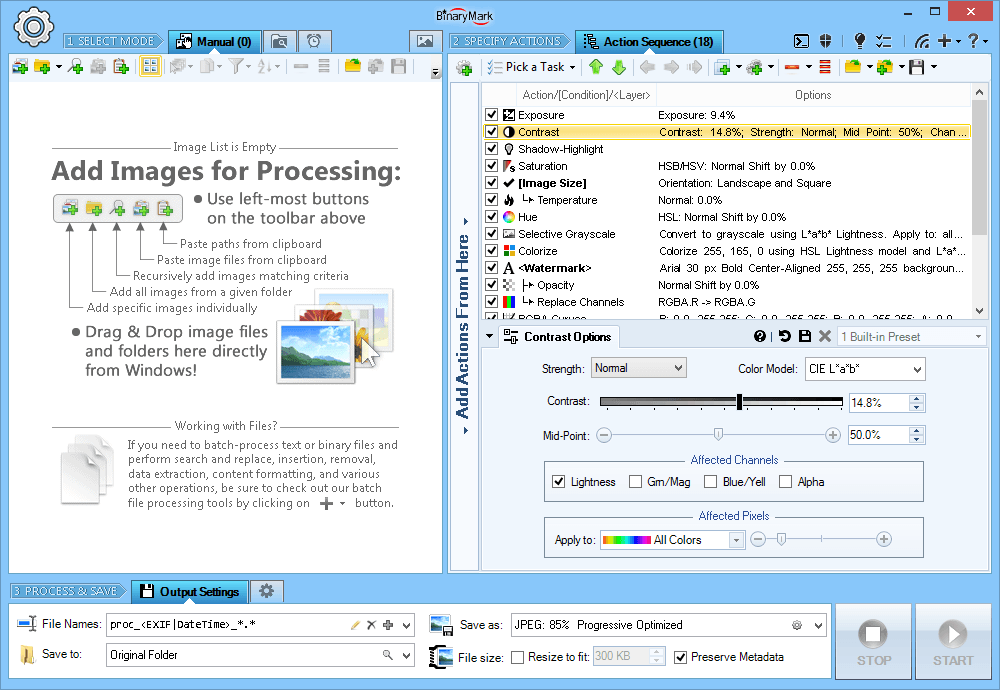
Batch Images Free Edition é um aplicativo atual para Windows disponível no catálogo comunitário WinGet. Find, resize, crop, watermark, enhance, adjust, convert, rename, and process your pictures and photos in 30+ image formats with 120+ filters and effects using this graphics software. Some features include - 120+ Actions and Effects - resize, crop, adjust, contrast, watermark...; Conditional processing based on image orientation, size, and other attributes; 4 processing modes - Manual, Background, Scheduled, and Console; Work with metadata - EXIF, IPTC, GPS, XMP; Save results in any of 30+ formats - jpg, png, tiff, jp2...; Full 32-bit support for images with alpha channel; Resize, scale, shrink, fit to aspect ratio, fit to rectangle...; Automatic crop, crop to fixed size, crop from edges, crop to W:H ratio; Color adjustments - brightness, hue, saturation, tint, exposure...; Use creative effects - pixelate, vignette, frost glass...; Add static / dynamic text and image watermarks; Apply tiled, rotated, mirrored, resized watermarks; Per-channel processing - extract, mix, replace, adjust values, etc...; Layers with pixel filtering and 40+ Blend Modes - lighten, darken, contrast, inversion...; 8 Color Models - RGB, HSB/HSV, HSL, HSI, HWB, YCbCr, Lab, LCH; 20 scaling modes - Lanczos, Bilinear, Bicubic, Box, HqX; 12 compositing modes - source-over, source-in, source-out...; Resize canvas and add padding; change print resolution; Change width and height independently or proportionately; Set dimensions using pixels, percentages %, or print units; Automatically shrink images to fit a desired file size in Kilobytes; Rotate and flip manually or using EXIF orientation tag; Fit to fixed size or rectangle; fit to aspect ratio; Fast parallel processing on multi-core CPUs; Rename image files based on image or file properties and EXIF/IPTC metadata; Customize output file names with dynamic tags; Save images to multiple locations and using different settings; Different image format options - bit depth, compression...
Página de origemPrincipais recursos
Novidades
- Current WinGet catalog version: 5.6
Requisitos do sistema
- Windows 10 or Windows 11
- WinGet or the publisher installer
Comentários
Ainda não há comentários.